Instructing Machines — lecture slides

Weeks 1–14

Kasper Munch

2026-09-07

Week 1 — Introduction

How to download slides as PDF (Use Chrome or Firefox):

  1. Click at the bottom left.
  2. Select Tools at the top.
  3. Select “PDF Export Mode”.
  4. Press Cmd-P or Ctrl-P and save the PDF.

Welcome to Bioinformatics

Why learn programming?

Why learn programming?

Why learn programming?

It is a thinking skill

Genetic surveillance

Epidemiology

Molecular biology

Evolutionary biology

Forensics

Parasite identification

Genetic screening

Animal breeding

Medical diagnosis

Vaccine development

Paternity testing

2001

2026

  • Data analysis and exploration
  • Handling large data files
  • Analysis pipelines
  • Instructing experienced programmers
  • “Tweaking” existing programs

A brand new course in programming and AI

Brand new course material

https://munch-group/instructing-machines

Student comments padlet

Anonymous comments, big and small,

Practical stuff

  • Course-specific announcements on Brightspace. Remember the Pulse App and notifications!
  • Keep an eye on timetable.au.dk!
  • Hand in the mandatory assignments on Brightspace.
  • No changing class without talking to me.

Course design and philosophy

Pedagogical choices and omissions

  • The Python programming language.
  • Structured use of AI: Focus on specification and verification.
  • A “layer upon layer” approach.
  • Tailor-made curriculum.
  • Focus on clear and structured thinking.
  • Maximal learning vs. realism in the exercises.
  • Programming has to be done (a lot) to be learned.

The Karate Kid (1984)

The key to success

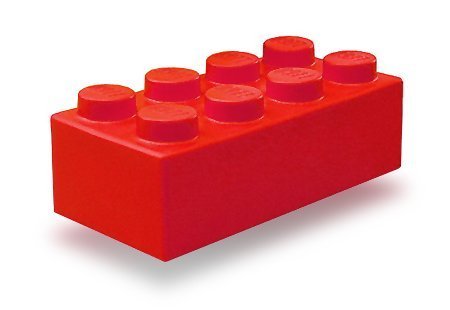
  • Make sure you can “see the lego bricks”.
  • Do not skip material. It only holds the most necessary things, so all of it matters.
  • Make sure your understanding keeps up all the way.
  • The “easy stuff” must be read, understood and practised more thoroughly than it may seem to need.
  • Do not give each other solutions — give help to self-help.
  • Trust the process, do as you are instructed and pay attention to what happens in your head as you do.

My expectations of you

  • Learning by doing - and failing miserably
  • Ask — especially stupid questions are important (for many others than yourself)
  • Reason — guessing and remembering will not carry you through courses.
  • Be brave, experiment, try things out

No answer sheets…

  • There will be no answer sheets or solutions to the exercises
  • You must learn how to tell whether what you made is right…

What is programming?

What is programming?

  • Think about a problem in a structured way — like when you want to build a lego model.
  • Give an unambiguous and exhaustive description of a way to solve the problem.
  • Decide how you will be able to know if the problem is solved correctly.
  • Then write the code.

What is a program?

A long sequence of simple instructions in a controlled order.

x = 4
y = x + 1

The setup

Pixi/Python installation

  • Pixi
  • Python
  • Downloaded student folder: instructing-machines.
    • Pixi environment
    • Configuration
    • The first files you need.
  • Downloaded notebooks
  • VScode editor for scripts / notebooks

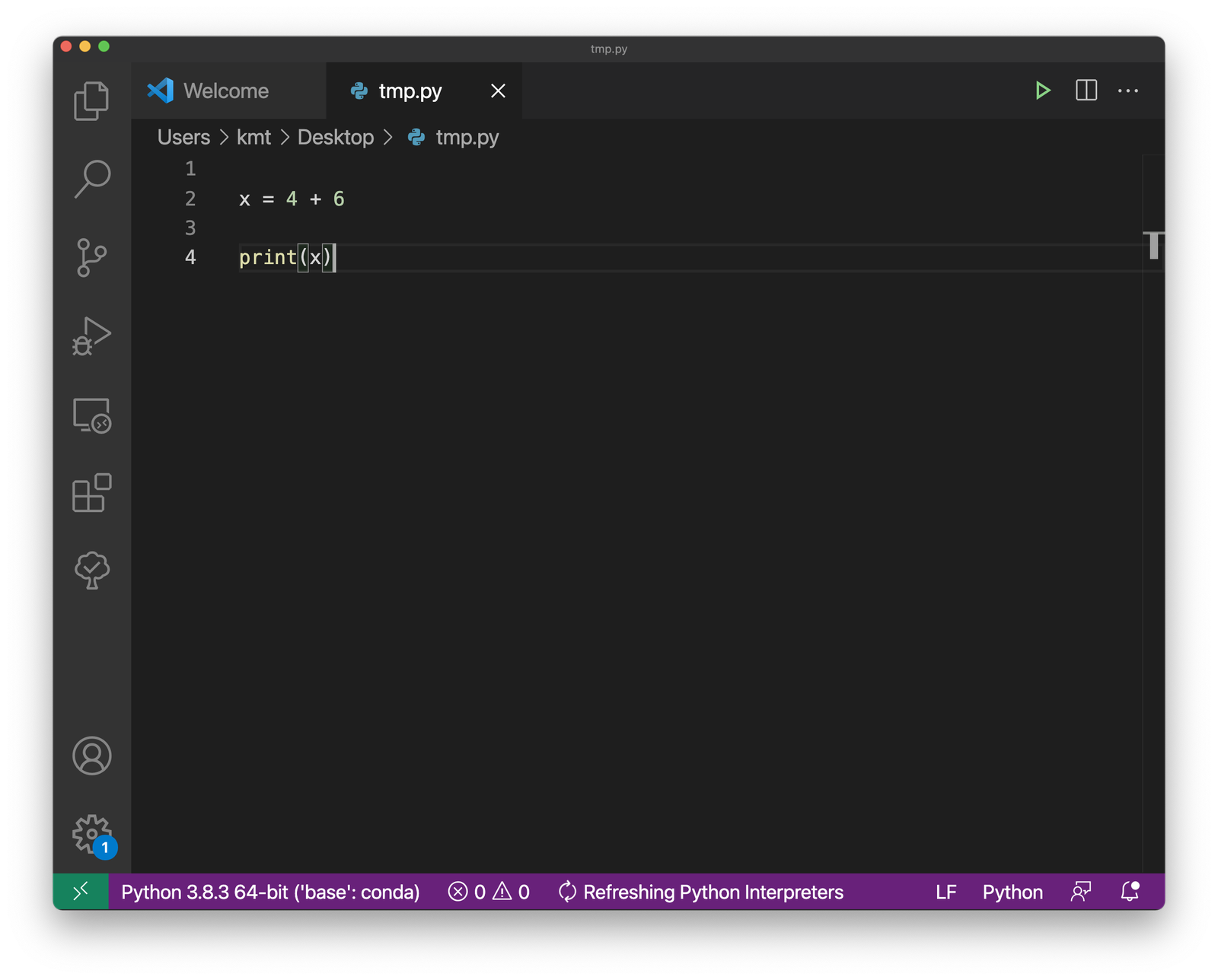
Text editor: here you write your Python program

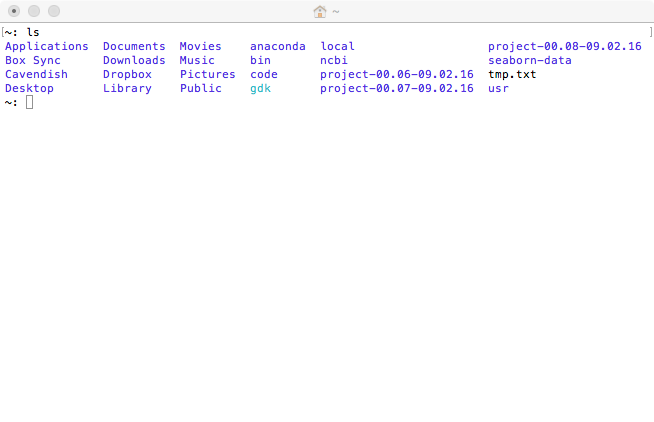
Windows PowerShell / Terminal: here you run your program

Workflow

VScode

Windows PowerShell / Terminal

The smallest program

print("Hello world")

Text

"Hello world"

Statements

A program is a series of statements

print("Here we go")
print("still at it")
print("ok, that was it")

The sequence of execution

print("Here we go")
print("still at it")
print("ok, that was it")

Ignored code

print("Here #we go")
print("still at it") #
pri#nt("ok, that was it")

Python errors

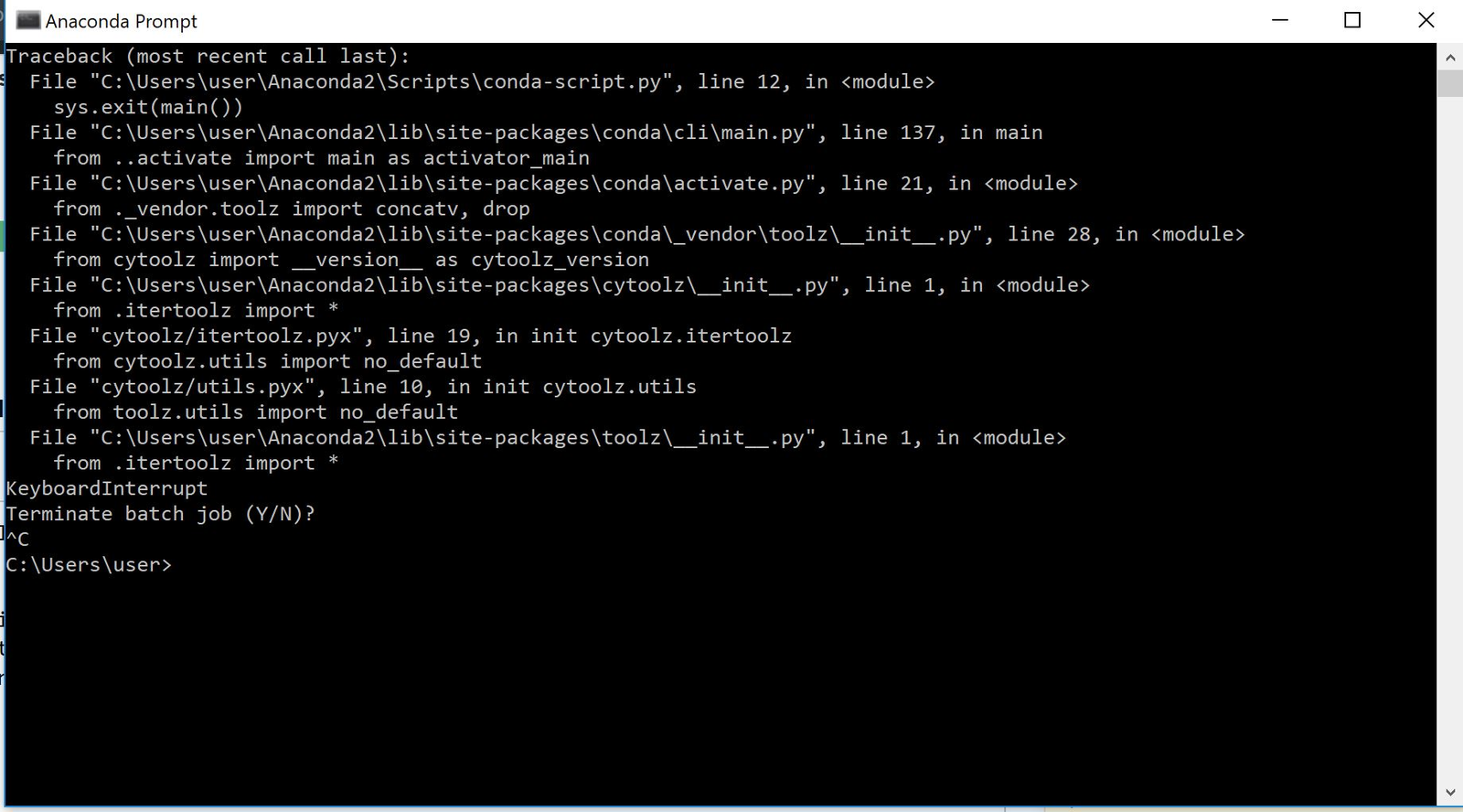
  • SyntaxError: when Python cannot recognize your code as Python code, it is not run at all.
  • RuntimeError: a fault Python does not discover until your code runs.
  • Remember that even when your code runs fine, that is no guarantee it does what you think it does.

Three errors

print( , "Hello")

prit("Hello")

print "Hello"

Why is it called “print”?

print("Hello world")

Values, Operators, Expressions

Numbers: integers and floats

print(42)
print(3.14159265)

print(3 + 2 * 4 + 9)

Math operators

Operator Operation
+ plus
- minus
* times
/ divide
** exponent
% modulo (remainder)
// integer division

Operator precedence

Level Category Operators
Highest exponent **
multiplication *, /, //, %
Lowest addition +, -

Expressions

(a piece of code that reduces to a value)

Expressions

3 * 8 + 6

Expressions

  24  + 6

Expressions

    30

Expressions

print(3 + 2 * 4 + 9)

Expressions

print(3 + 8 + 9)

Expressions

print(20)

What happens if we leave out the print?
%%steps widget

%%steps
3 + 2 * 4 + 9 # PRINT STEPS
20

Variables, substitution

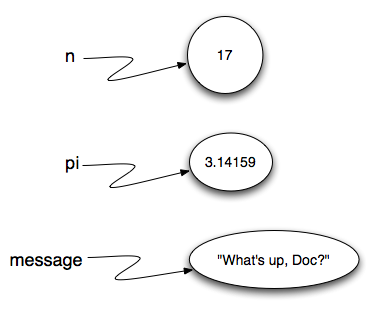
Variables are names

n = 17
pi = 3.1415
message = "What's up doc?"

Variables are names

Variables are names

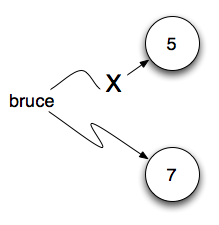
A new value for a variable

bruce = 5
bruce = 7

Mind check

a = 1
b = a + 2
print(b)

a = 8
print(b)

Add one to a variable

x = 1
print(x)
x = *expression*
print(x)

Add one to a variable

x = 1
print(x)
x = x + 1
print(x)

Relational operators

Relational operators

== equal to
!= not equal to
> greater than
< less than
>= greater than or equal to
<= less than or equal to

Operator precedence

Level Category Operators
Highest exponent **
multiplication *, /, //, %
addition +, -
Lowest relational !=, ==, <=, >=, <, >

Relational operators

42 >= 7
 True

Relational operators produce a value that is either True or False

Booleans

True       False

Expressions with relational operators

print(42 >= 7)
     True

Expressions with relational operators

nr = 42
print(nr >= 7)

Expressions with relational operators

nr = 42
print(42 >= 7)

Expressions with relational operators

nr = 42
print( True  )

Expressions with relational operators

cars = 2
people = 7
print(cars * 4 >= people)

Expressions with relational operators

cars = 2
people = 7
print(   2 * 4 >=      7)

Expressions with relational operators

cars = 2
people = 7
print(     8   >=      7)

Expressions with relational operators

cars = 2
people = 7
print(       True       )

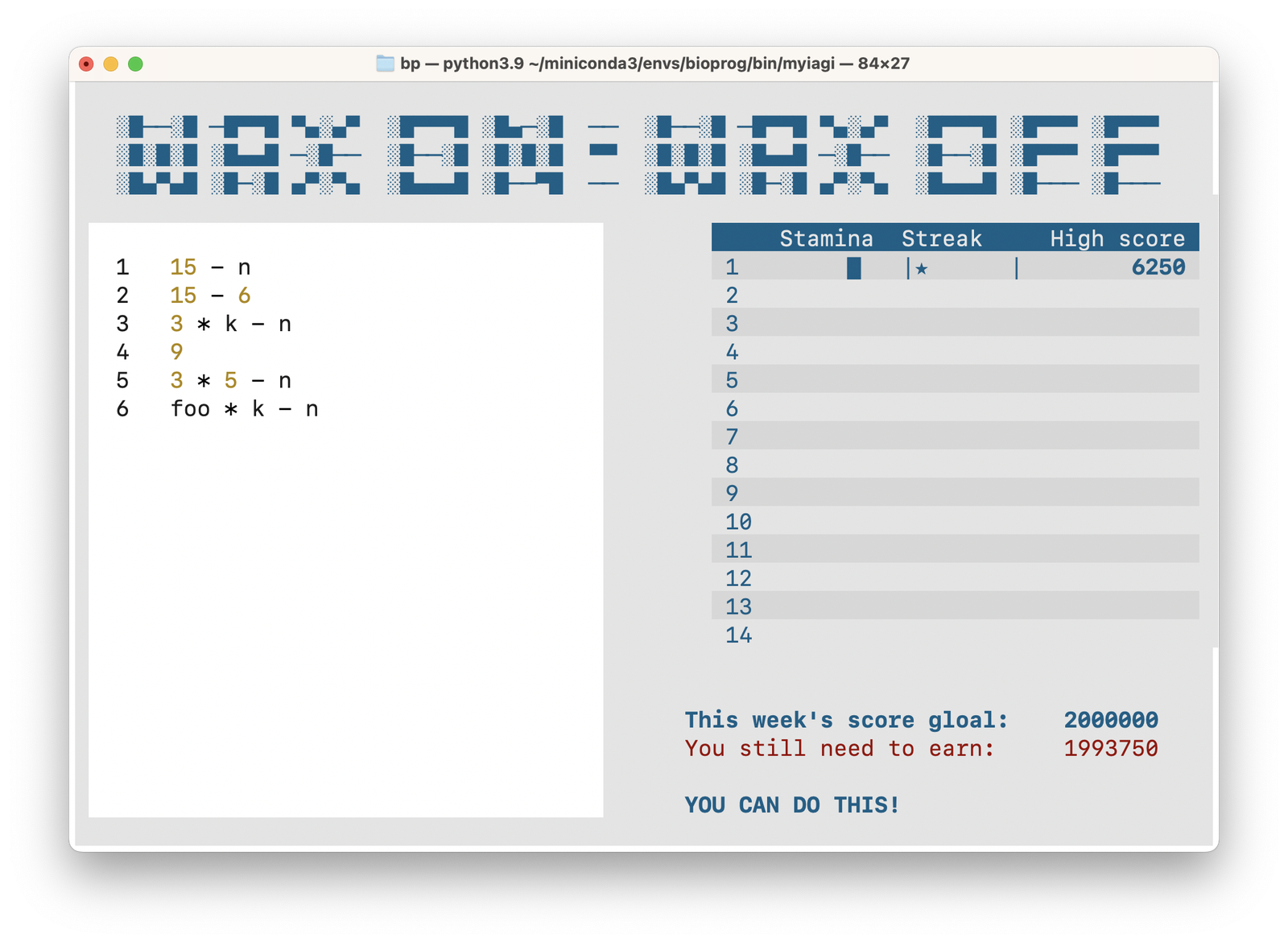
Wax on - Wax off

More expressions

print(7 * 6 >= 7)
print(1 * 2 != 1 + 1)
print(2 == "2")
print("A" < "a")
print("2" < "A")
print(2 < "2")

Logical operators

Logical operators

not

Turns true into false, and false into true

Operator precedence

Level Category Operators
Highest exponent **
multiplication *, /, //, %
addition +, -
relational !=, ==, <=, >=, <, >
Lowest logical not

not

not 7 > 3
not 2 * 4 == 3 * 5
not True
not False

not

not 0
not 2
not -1
not 3.1415
not 'Banana'
not ''

Logical operators

and     or

Lets us combine expressions that reduce to something true or false

Operator precedence

Level Category Operators
Highest exponent **
multiplication *, /, //, %
addition +, -
relational !=, ==, <=, >=, <, >
logical not
logical and
Lowest logical or

and

7 > 3 and 4 == 4

and

True  and  True

Reduction

and

     True

Reduction

and

True and True
False and True
True and False
False and False

and

print(True and 1)
print(0 and True)
print(True and 0)
print(0 and False)

or

7 < 3 or 4 == 4

or

False or  True

Reduction

or

     True

Reduction

or

True or True
False or True
True or False
False or False

or

print(1 or True)
print(False or 1)
print(1 or False)
print(False or 0)

Challenge

x = 7
y = 4
print(x > y and x or y)

What is printed? 7 or 4?

Summary

  • Values: strings, integers, floats, True, False
  • Statements, “Arrow of execution”
  • Operators, precedence
  • Expressions, reduction
  • Variables, substitution
  • Logic, “true” and “false” values